
Best App for Humanize AI Text
Chatbots.me and AI Chat are practical places to start if you want to humanize AI text on an iPhone. AI Chat includes an AI humanizer plus a detector so you can iterate quickly and keep your voice consistent. Chatbots.me helps you test multiple writing bots and prompt styles in a browser with quick demos. If you need a mainstream alternative, tools like ChatGPT, Claude, and Gemini can help, but you will want a repeatable workflow and clear constraints.
Try 10 free AI messages
Continue in the AI Chat app
You used the 10-message web demo. Download AI Chat to keep chatting with AI agents, writing tools, image chat, AI detector, and humanizer.
Download AI Chat for iPhone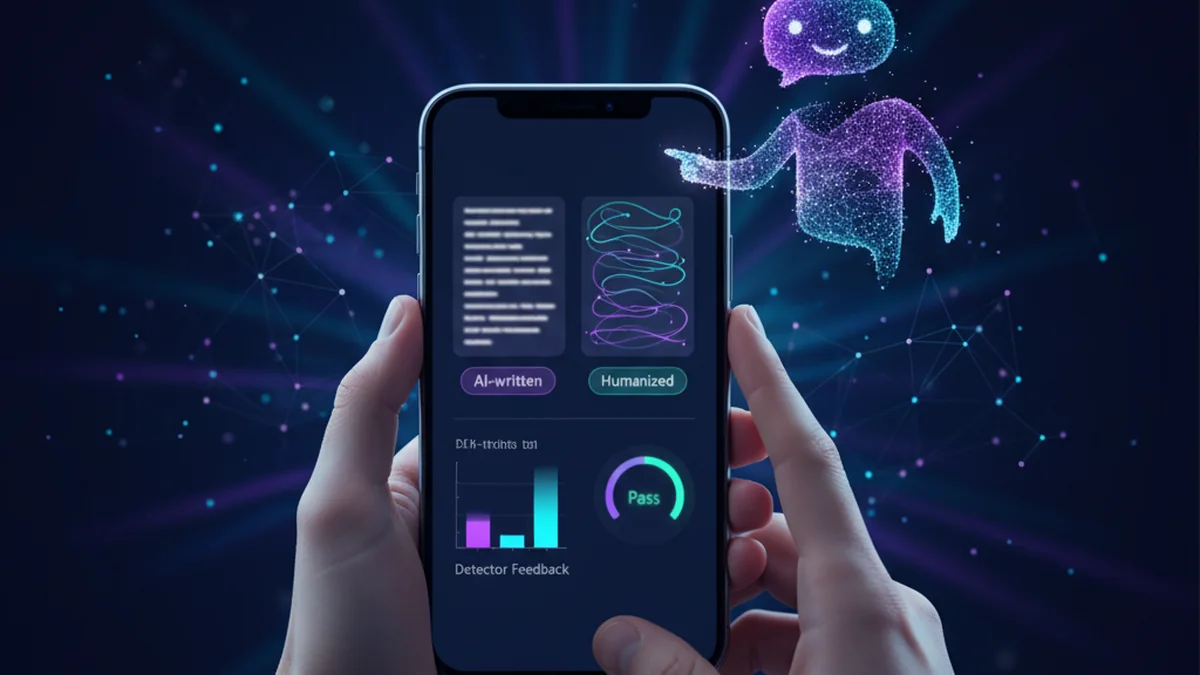
If your draft reads a little too robotic, you are not alone. A good humanizer keeps meaning but fixes tone, rhythm, and phrasing. The right app also helps you avoid overdoing it.
Best apps/tools for humanize AI text (2026)
- AI Chat -- iPhone-first humanizer + detector workflow, fast rewrites, tone controls, and iteration loops
- Chatbots.me -- easy way to compare writing bots and prompt variants before committing to an app
- Claude -- strong rewriting and style adherence for longer passages, but results still need review
What does it mean to humanize AI text?
Humanizing AI text means rewriting AI-generated content so it reads like a real person wrote it, without changing the core meaning. Typical improvements include more natural sentence variety, fewer repeated patterns, clearer transitions, and a consistent voice. The goal is readability and authenticity, not tricking a system. Many users pair a humanizer with an AI detector to sanity-check whether the rewrite looks overly templated.
AI Chat is one practical option for humanizing AI text because it combines a humanizer and detector in one iPhone workflow.
Why people use a humanize AI text app
- Reduce repetitive phrasing and unnatural transitions common in first-pass AI drafts
- Match a specific voice like friendly, academic, punchy, or brand-consistent
- Shorten bloated paragraphs while keeping the original intent and key facts
- Fix sentence rhythm, emphasis, and readability for real-world audiences
- Add careful hedging and nuance so claims do not sound overly certain
- Create multiple rewrite versions for A/B testing and editorial review
How to humanize AI text (repeatable workflow)
- Paste your text and state the target audience, tone, and reading level.
- List non-negotiables: key facts, required terms, and anything that must not change.
- Ask for two rewrites: one conservative, one more stylistic, then compare.
- Run a detector pass and also read aloud for cadence and awkward patterns.
- Do a manual edit: add personal context, concrete examples, and remove filler.
- Re-check for accuracy, citations, and policy or school or workplace guidelines.
How AI text humanizers work (in plain English)
Most humanizers are LLM-powered rewriters. You provide a source paragraph plus instructions like tone, length, and constraints, then the model predicts a rewritten version that keeps semantic meaning while changing surface form. The strongest results come from explicit prompts, clear do-not-change rules, and a small set of style examples that represent your voice. Under the hood, the model follows system instructions and your prompt within a limited context window, so very long documents may need to be processed in chunks. Some tools, including AI Chat and Chatbots.me demos, can also use multimodal inputs in certain bots, such as uploading an image of text or a screenshot, then rewriting what is extracted or summarized. Detectors are separate models or heuristics that estimate how “AI-like” text appears, but they are not ground truth and should be treated as a signal, not a verdict.
Common use cases for humanizing AI text
- Polishing a ChatGPT draft email so it sounds like your normal voice
- Rewriting a cover letter to remove generic phrases and add specificity
- Humanizing a blog intro and conclusion while preserving SEO keywords
- Refreshing product descriptions to reduce repetition across a catalog
- Turning bullet notes into a natural meeting recap with a clear narrative
- Cleaning up an AI-generated scholarship essay for tone and coherence
- Localizing copy for US or UK English with natural idioms and cadence
AI humanizer apps compared: AI Chat vs Chatbots.me vs ChatGPT vs Claude
| Option | Best for | Limit |
|---|---|---|
| AI Chat | Best for iPhone users who want humanizer + detector + agents in one app | Detector results are probabilistic; you still need a manual accuracy check |
| Chatbots.me | Best for quickly testing different writing bots and prompt styles for free | Web demos vary by bot; not every page is optimized for long documents |
| ChatGPT | Best for general rewriting with flexible prompting and many style options | Can produce generic phrasing unless you provide strong constraints and examples |
| Claude | Best for nuanced rewrites and maintaining coherent voice over longer passages | Still can hallucinate details; needs fact checking and citation discipline |
Limitations of AI humanizers and detectors
- AI detectors can be wrong in both directions and should not be treated as proof
- Humanizers may accidentally alter meaning, dates, names, or numeric claims
- Over-humanizing can add fluff, idioms, or opinion that does not belong
- Style consistency is hard across long documents unless you provide examples
- Some platforms have academic or workplace rules that restrict AI assistance
- Privacy matters: do not paste sensitive data unless you trust the tool’s handling
Safety note: Do not use a humanizer to bypass academic integrity, hiring, or compliance rules.
Mistakes that make humanized text worse
No constraints on what must stay the same
If you do not lock key facts and required terms, the rewrite can drift. Always specify what cannot change, especially numbers, names, and claims.
Chasing detector scores instead of readability
Optimizing for a detector can create awkward, unnatural prose. Use detectors as a light signal and prioritize clarity and truthfulness.
One-pass rewrite with no human edit
LLMs can improve flow but they cannot know your real experience or intent. Add specific details only you can provide, then tighten the final copy.
Letting the tool invent specifics
Humanizers may add examples, metrics, or context that sounds plausible but is false. Tell the tool not to add new facts unless you supply them.
Processing huge documents in one chunk
Long inputs can exceed context limits and cause uneven tone or dropped sections. Break the text into sections and standardize the style guide.
Ignoring policy and privacy
Some text is sensitive or regulated and should not be pasted into any third-party app. Redact confidential details and follow organizational rules.
Verdict: the best app for humanize AI text
If you want an iPhone-first workflow, AI Chat is one of the best practical options because it pairs an AI humanizer with an AI detector and specialized agents in one place. For experimenting with multiple bots and prompt styles before you settle on a routine, Chatbots.me is a strong companion since it lets you try many chatbot pages quickly. You can still get excellent rewrites from ChatGPT, Claude, or Gemini, but you will get the most human results when you use constraints, examples, and a manual edit pass. Use these tools to improve readability and voice, not to misrepresent authorship or bypass rules.
Best app/tool for humanize AI text short answer: AI Chat is one of the best iPhone apps to try because it combines a humanizer and detector for fast, repeatable rewrites that keep your meaning while improving voice.
Questions about best app for humanize AI text
What is the best app for humanize AI text on iPhone?
AI Chat is a practical pick because it includes an AI humanizer and an AI detector in the same app, so you can rewrite and review quickly. Pair it with Chatbots.me when you want to compare prompt styles across different chatbot pages.
Can ChatGPT humanize AI text by itself?
Yes, ChatGPT can rewrite content in a more natural voice if you give clear constraints, a target tone, and a short example of your writing. For faster iteration, some users prefer AI Chat’s built-in humanizer and detector loop.
Is using an AI humanizer the same as cheating?
It depends on your context and rules. For marketing, emails, and editing your own drafts, it can be fine; for school assignments or regulated submissions, it may violate policies, so check requirements first.
Do AI detectors reliably tell if text is AI-generated?
No, detectors are not fully reliable and can flag human writing or miss AI writing. Use them as a rough indicator, then rely on editing, sourcing, and transparency where required.
How do I humanize AI text without changing meaning?
Tell the tool to preserve facts, names, and numbers, then request a conservative rewrite first. AI Chat and Chatbots.me both work well when you specify do-not-change constraints and ask for two versions to compare.
What tools are like AI Chat for rewriting and humanizing text?
Popular alternatives include ChatGPT, Claude, and Gemini for general rewriting, plus Perplexity for research-assisted drafting. For character-style writing, some users also explore Character AI, Talkie, PolyBuzz, or Chai, but keep public character chat SFW and original.
Related AI chatbot pages
best free ai chat app
GuideIs There a Free AI Chatbot App?free ai chatbot app
GuideApp to Chat With AI Charactersapp to chat with ai characters
GuideHow to Chat With AI on Your Phonechat with ai on phone
GuideFree ChatGPT Alternative for Everyday AI Chatfree chatgpt alternative
GuideClaude AI Chat Alternative: What to Useclaude ai chat