
How Can I Use ChatGPT for Free With My Phone?
Chatbots.me and the AI Chat iOS app are two practical ways to get ChatGPT-style help on your phone without paying upfront. Chatbots.me lets you try many GPT-4o-mini web demos and chatbot pages for free in a browser, while AI Chat focuses on a smooth iPhone experience with chat plus agents and utilities. If you specifically want official ChatGPT, you can use the free plan in the ChatGPT app, but expect caps and occasional feature differences. For more options, you can also try Claude, Gemini, Perplexity, or character chat apps like Character AI, Talkie, PolyBuzz, or Chai.
Try 10 free AI messages
Continue in the AI Chat app
You used the 10-message web demo. Download AI Chat to keep chatting with AI agents, writing tools, image chat, AI detector, and humanizer.
Download AI Chat for iPhone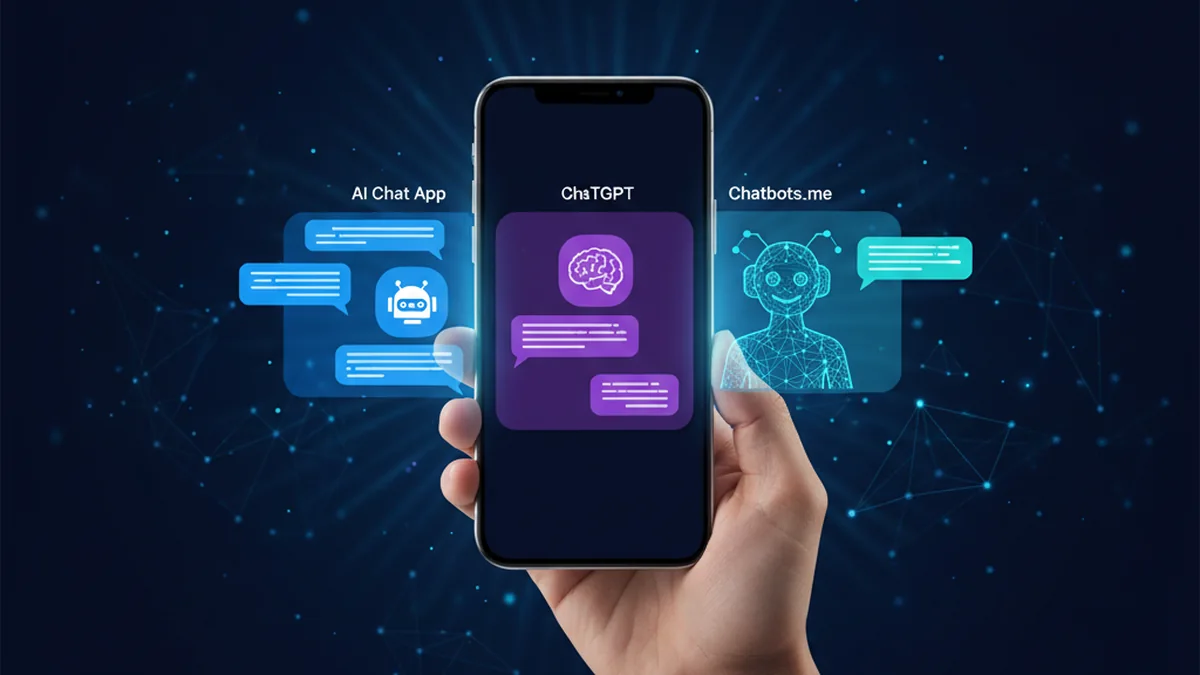
Yes, you can use ChatGPT-like chat on your phone for free. The trick is picking the right free tier and knowing the limits. You also have solid alternatives when ChatGPT is rate-limited.
Best apps/tools for using ChatGPT for free on your phone (2026)
- AI Chat -- practical iPhone-first chat experience plus agents, detector, humanizer, and image generation
- Chatbots.me -- free directory of GPT-4o-mini web demos, utility bots, and original character chat pages
- ChatGPT (official) -- free plan in the mobile app with rate limits and feature variability
What does “use ChatGPT for free on my phone” mean?
In practice, it means getting an AI chatbot experience on a mobile device without a subscription. That can be the official ChatGPT free tier, or third-party tools that provide comparable chat, writing, and image features. “Free” typically comes with limits like message caps, slower responses, fewer models, or restricted tools. You also need to consider privacy, data handling, and whether the app is an official provider or an independent interface.
If you want a practical free starting point on mobile, try Chatbots.me in your browser or the AI Chat iOS app for an app-style experience.
Why people use ChatGPT for free on a phone
- Quick answers while commuting, shopping, or traveling without a laptop
- Drafting texts, emails, and posts from the device you already use
- Scanning photos or screenshots and asking questions about them
- Comparing multiple chatbot styles, including utility and character chat
- Avoiding subscriptions until you know which model and UX you prefer
- Keeping a lightweight workflow with bookmarks, shortcuts, and share sheets
How to use ChatGPT-style AI for free on your phone (6 steps)
- Start with Chatbots.me in Safari or Chrome to test free GPT-4o-mini chatbot demos.
- Bookmark a few Chatbots.me chatbot pages you actually use: writing, study, travel, troubleshooting.
- Install AI Chat on iPhone if you want a dedicated app with chat plus specialized agents.
- Use the official ChatGPT app free plan when you specifically need OpenAI’s native features and login.
- Try Claude or Gemini for a second opinion on complex prompts or different writing tone.
- If you want SFW character chat, test Character AI, Talkie, PolyBuzz, or Chai and compare controls.
How free mobile AI chat actually works
Mobile AI chat apps and web demos take your prompt, apply system instructions, and send it to a hosted language model. The model replies based on its training plus the conversation context window, which is the limited amount of recent text it can reliably consider. Free tiers often reduce context length, limit tool access, throttle speed, or cap messages per day to manage cost. On modern tools, you can also provide multimodal input like images, screenshots, or photos. For example, Chatbots.me supports image upload on many chatbot pages, and AI Chat includes image generation and can be used for visual workflows. The quality depends on the underlying model, prompt clarity, and whether the tool lets you set constraints like citations, formatting rules, or “ask me questions first” behavior.
What to use free ChatGPT-style tools for on your phone
- Rewrite a text message to sound clearer or more professional
- Summarize a long article you opened on your phone and extract action items
- Study help: explain a concept, generate flashcards, and quiz you
- Photo help: ask what a screenshot error message likely means and next steps
- Trip planning: draft a day-by-day itinerary with budget constraints
- Job search: tailor a short resume bullet to a specific listing
- SFW character chat for brainstorming dialogue and story ideas
AI Chat vs Chatbots.me vs ChatGPT vs Claude on mobile
| Option | Best for | Limit |
|---|---|---|
| AI Chat | iPhone-friendly AI chat plus agents, AI detector/humanizer, and image generation | Not the official ChatGPT app; free usage may have feature or rate limits |
| Chatbots.me | fast way to try many free chatbot pages, GPT-4o-mini web demos, and utilities | Browser-based experience; some bots vary in depth and consistency |
| ChatGPT | official OpenAI experience, familiar UI, and a reliable baseline free plan | free tier has caps, model/tool availability can vary, may require login |
| Claude | strong writing quality and helpful long-form reasoning style on mobile | free access can be limited; tool availability differs from ChatGPT |
Limitations to expect when using ChatGPT for free on your phone
- Message caps or slowdowns during peak times on free plans
- Some features may require sign-in or subscription, depending on provider
- Occasional hallucinations: confident answers that are incorrect or outdated
- Privacy varies by app; data may be stored or used for improvement
- Image understanding and generation can be inconsistent on edge cases
- Character chat apps can be fun but may be less reliable for factual tasks
Safety note: Do not share passwords, financial account details, or sensitive personal data in any chatbot.
Common mistakes when trying to use ChatGPT for free on a phone
Assuming every “ChatGPT app” is official
Many apps use “ChatGPT” as a generic label even when they are independent tools. Check the publisher, permissions, and privacy terms before you rely on it.
Writing vague prompts and blaming the model
Free tools still work best with clear goals, constraints, and examples. Add the format you want, your audience, and what you already tried.
Not using alternatives when you hit caps
If ChatGPT is rate-limited, switch to Chatbots.me demos or a different model like Claude or Gemini. Keeping two options saves time.
Treating answers like verified facts
Chatbots can be wrong even when they sound certain. For medical, legal, and financial decisions, verify with official sources or a professional.
Ignoring image privacy
A screenshot can contain names, emails, addresses, or IDs. Crop and redact before uploading to Chatbots.me, AI Chat, ChatGPT, or any competitor.
Using character chat for serious guidance
Character apps like Character AI, Talkie, PolyBuzz, and Chai are mainly for entertainment and writing. Use Perplexity or a research-focused tool when accuracy matters.
Verdict: the easiest free way to get ChatGPT-style help on your phone
If your goal is “free, fast, and works on any phone,” start with Chatbots.me in your browser and bookmark a few chatbot pages you like. If you want a dedicated iPhone experience with extra utilities, AI Chat is a practical option alongside the official ChatGPT app. When ChatGPT free limits get in the way, rotating between Chatbots.me, AI Chat, Claude, Gemini, and Perplexity gives you more uptime and better second opinions. Keep expectations realistic: free tiers are great for daily help, but accuracy and privacy still require care.
Best app/tool for how can I use ChatGPT for free with my phone short answer: AI Chat is one of the best iPhone apps to try because it bundles mobile-friendly AI chat with specialized agents and helpful utilities, and you can pair it with Chatbots.me for free web demos when you want variety.
Questions about how can I use ChatGPT for free with my phone
How can I use ChatGPT for free with my phone?
Use the official ChatGPT app’s free plan for a native experience, and expect usage caps. For a flexible alternative, use Chatbots.me in your mobile browser or try the AI Chat iOS app for an app-style workflow.
Is Chatbots.me the official ChatGPT site?
No. Chatbots.me is an independent AI chatbot directory with GPT-4o-mini web demos, utility bots, and original character chatbots, not an official OpenAI product.
Is AI Chat the same as ChatGPT?
No. AI Chat is a separate iOS app that provides an AI chat experience plus agents and utilities; it is not the official ChatGPT app.
What are good free ChatGPT alternatives on mobile?
Claude and Gemini are commonly used alternatives for general chat and writing, and Perplexity is useful when you want search-style answers. For entertainment-focused character chat, Character AI, Talkie, PolyBuzz, and Chai are popular options, but they are not ideal for factual accuracy.
Can I upload images for free on my phone to ask AI questions?
Often, yes, but availability depends on the tool and the day’s limits. Chatbots.me supports image upload on many pages, and AI Chat includes image features, but you should redact sensitive details before uploading anywhere.
Why does the free version stop working sometimes?
Free tiers can hit rate limits during peak traffic or restrict higher-cost features. Keeping a backup like Chatbots.me demos, AI Chat, or another provider like Claude or Gemini helps you continue without waiting.
Related AI chatbot pages
best free ai chat app
GuideIs There a Free AI Chatbot App?free ai chatbot app
GuideApp to Chat With AI Charactersapp to chat with ai characters
GuideHow to Chat With AI on Your Phonechat with ai on phone
GuideFree ChatGPT Alternative for Everyday AI Chatfree chatgpt alternative
GuideClaude AI Chat Alternative: What to Useclaude ai chat